Business websites
Display local business time, office hours, event countdowns, or clocks for international offices and customers.
100% Free. No Registration. No API Keys. Add customizable clocks, countdown, and time tools to your website with simple iframe embed codes.
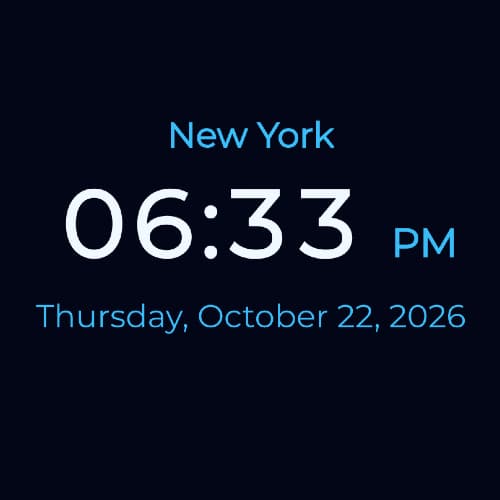
Create a customizable Digital Clock widget and embed it on your website with a simple iframe code. It shows the current time.
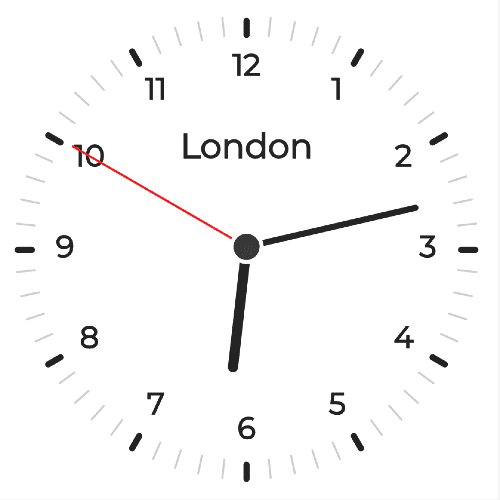
Create a customizable Analog Clock widget with clock hands and embed it on your website with a simple iframe code.
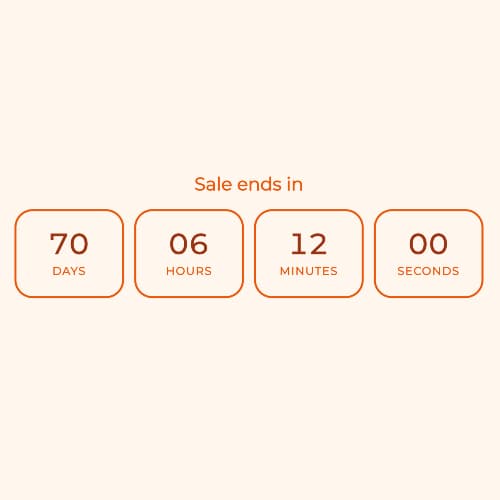
Create a customizable online Countdown Timer widget and embed it on your website with a simple iframe code.
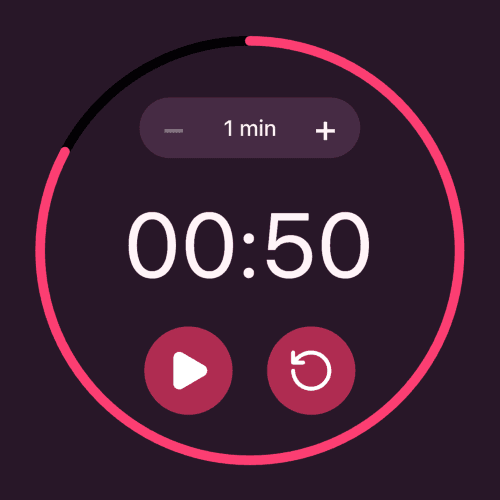
Create a customizable Circular Countdown Timer with an animated progress ring. Embed it on your website using the generated iframe code.
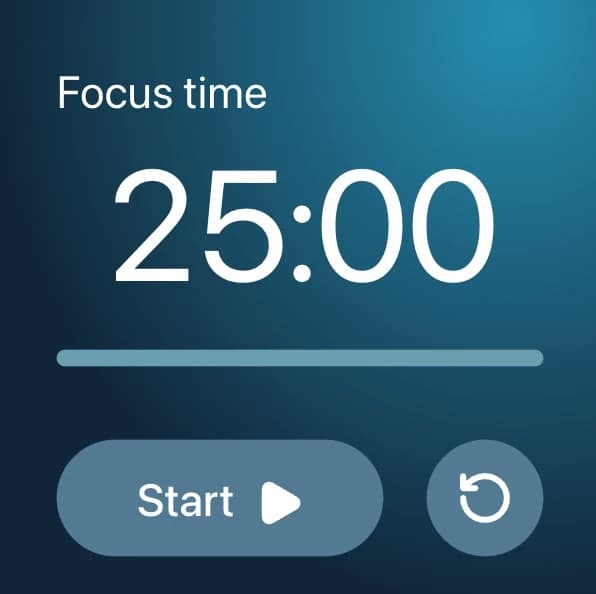
Create a customizable countdown Timer with a Horizontal progress bar. Visitors can pause, resume, and restart the countdown.
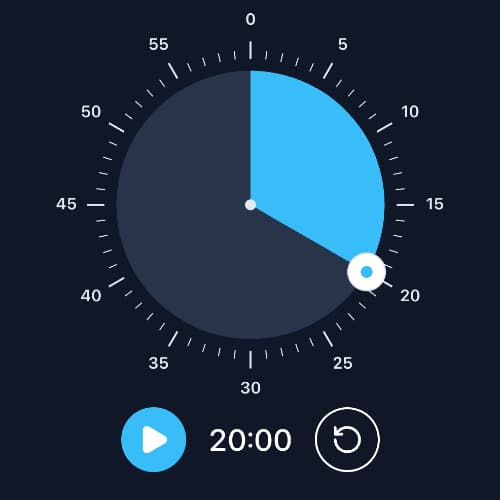
Create an interactive countdown Timer with a Draggable circular minute dial, visual progress, and an iframe embed for your website.
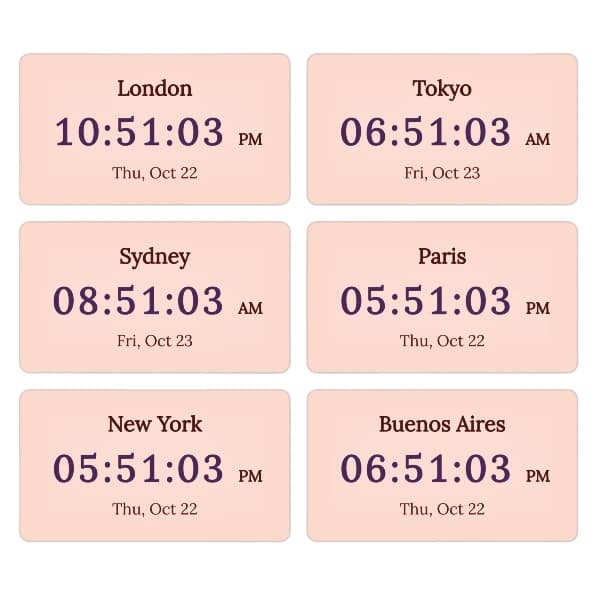
Create a customizable multi-clock widget for multiple cities and time zones, then embed it on your website with a simple iframe code.
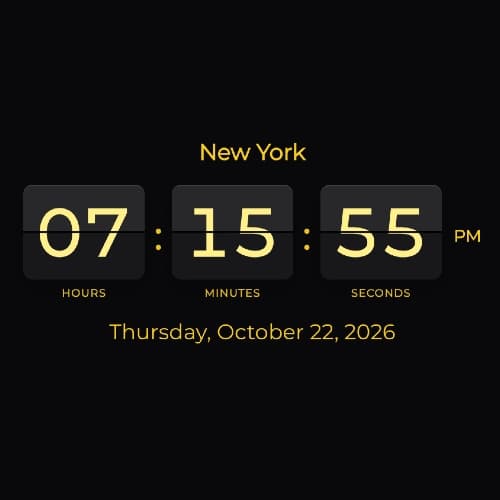
Create a customizable retro Flip-Clock for your website with time zones, seconds, dates, multiple languages, and iframe embedding.

Create a customizable Text Current Time widget for any city or time zone and embed it on your website.
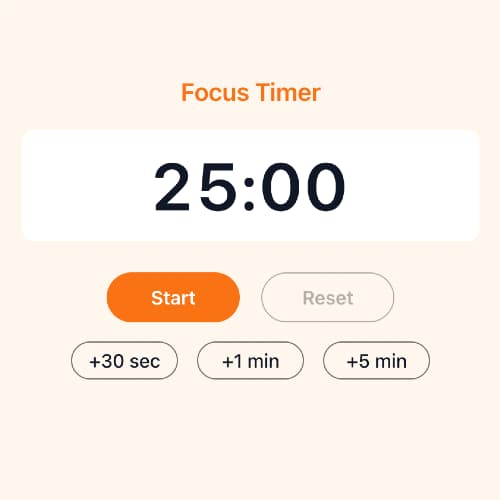
Create a customizable countdown Timer widget and embed it on your website using a simple iframe code.
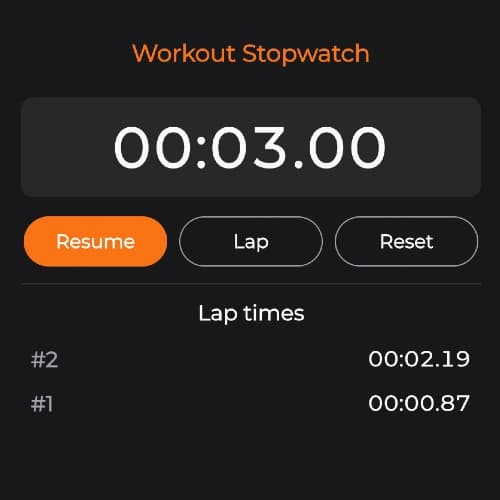
Create a customizable Stopwatch widget with lap times and embed it on your website using a simple iframe code.
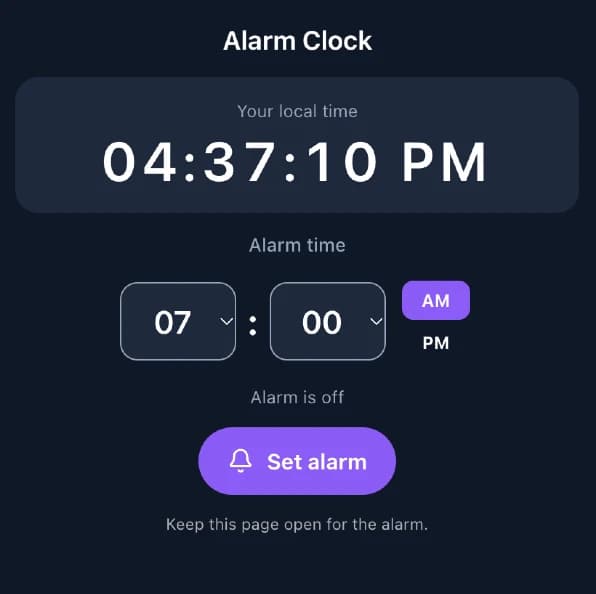
Create a customizable daily alarm clock with a live digital display and embed it on your website using an iframe.
Add useful time tools to your website without building them from scratch. SmartClockTools provides customizable website widgets that can be embedded using a simple iframe code.
Choose a digital clock, analog clock, multi-city clock, countdown, stopwatch, or flip clock. Customize the widget, preview the result, copy the generated embed code, and place it on your website.
The widgets can be used on business websites, blogs, dashboards, event pages, school websites, remote team portals, travel websites, landing pages, and other sites that need a live clock or time-based display.
Display local business time, office hours, event countdowns, or clocks for international offices and customers.
Add clocks for different cities and time zones so distributed teams can quickly compare local working hours.
Embed a countdown widget for product launches, webinars, conferences, deadlines, promotions, and upcoming events.
Use clocks, countdowns, and stopwatches on classroom pages, shared displays, learning portals, and activity dashboards.
Show the current time in destinations, airports, cities, or multiple international locations.
Add an interactive clock or timer without developing and maintaining a custom time component.
Select a digital clock, analog clock, multi-clock, countdown, stopwatch, or flip clock widget.
Adjust the available colors, fonts, sizes, time settings, labels, time zones, and other display options.
Use the live preview to see how the widget will appear before adding it to your website.
Copy the generated iframe code and paste it into an HTML or embed block on your website.
SmartClockTools widgets are designed to be added directly to an existing website. Instead of creating a clock or timer from scratch, configure the widget in your browser and copy the generated iframe code into your page.
Add a live clock to a website and customize its appearance to match your page. Choose between digital, analog, flip clock, and multi-clock designs depending on how you want to display time.
Display time for a specific city or time zone on international business sites, travel pages, dashboards, remote work portals, and event websites. A multi-clock widget can show several locations in one display.
Embed a countdown on an event page, product launch, webinar, promotion, deadline, or other page where visitors need to see how much time remains before a specific moment.
The generated iframe can be used with platforms that support custom HTML or embed blocks. This makes it possible to add a clock or timer without creating a custom plugin or integrating a JavaScript library.
Configure each widget visually, preview your changes, and copy the finished embed code. You do not need to build the widget yourself or maintain its clock and timer logic inside your website code.
Create a customizable digital clock and embed the current time on your website.
Add a customizable analog clock with traditional clock hands to your website.
Display the current time for multiple cities and time zones in one widget.
Create an embeddable countdown for events, launches, deadlines, and other dates.
Add an interactive online stopwatch with timing controls to your website.
Embed a customizable retro-style flip clock with time and date options.